Agentic Claude Code: How Agents, Hooks, and Orchestration Actually Work
Most People Are Using Claude Code Like a Chatbot
You open a session, type what you need, watch Claude do some things, and respond to permission prompts. That works. It is also leaving most of the capability on the table.
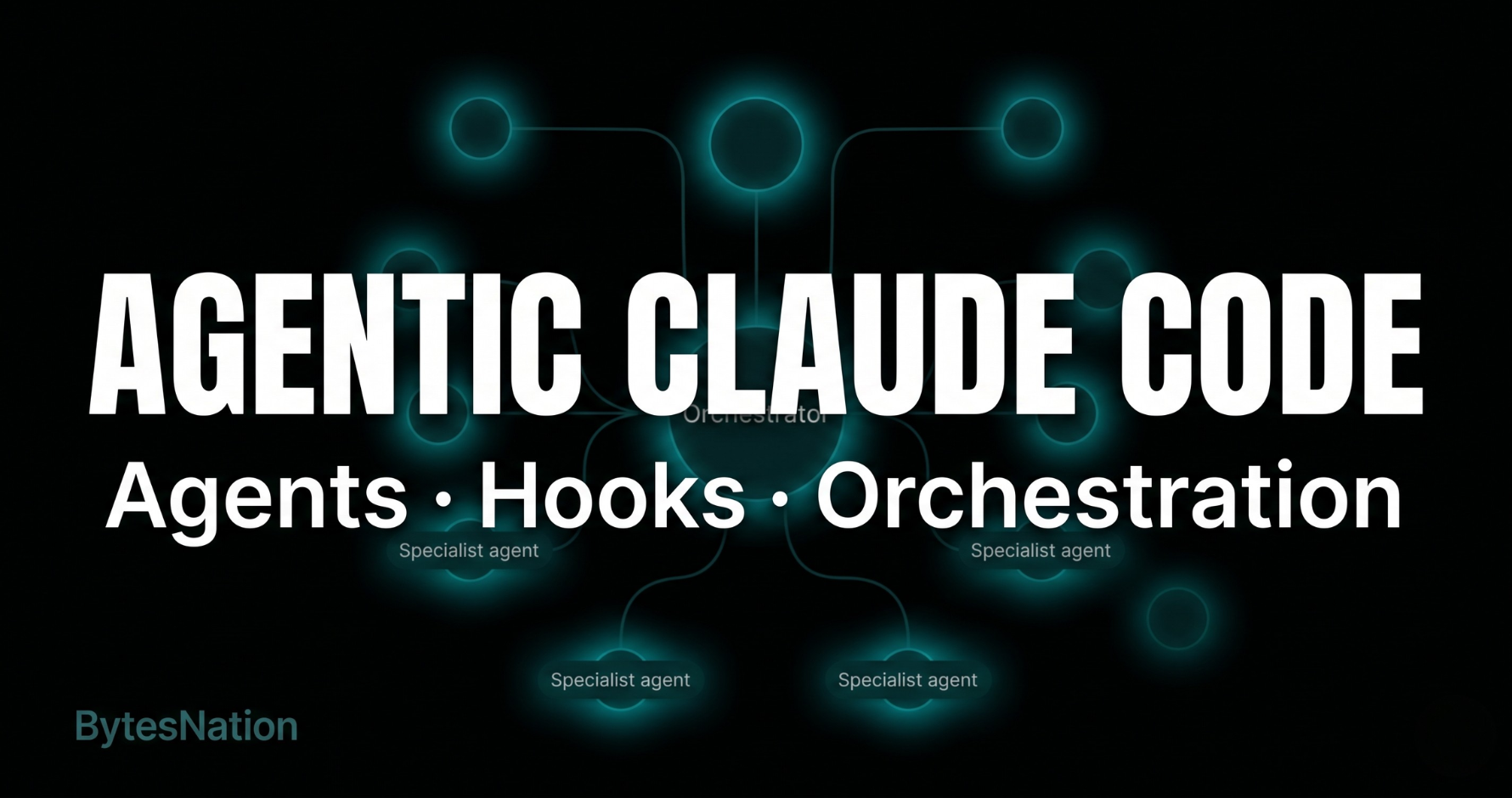
A real agentic workflow looks different. You drop a request. An orchestrator reads it, figures out which specialists are needed, and spawns them in parallel or chains them in sequence. You do not type follow-ups. You do not babysit prompts. You do not manually connect one task to the next. And the entire thing is wrapped in hooks that block dangerous operations before they run.
That is not a future state. That is what Claude Code can do right now with the right configuration.
This post explains how it works: what agents are, how they get defined and spawned, how orchestration routes tasks without you, and how hooks act as the guardrail layer that keeps it safe. If you want a ready-to-deploy starting point, the claude-baseline repo has a full production setup you can clone into any project.
If you have not read the Claude Code Hooks field manual yet, go do that first. This post builds on it.
What a Claude Code Agent Actually Is
Not the abstract definition. The concrete one.
An agent in Claude Code is a markdown file. You drop it in .claude/agents/ with a YAMLA human-readable data format used for configuration files, favored for its clean syntax with indentation instead of brackets and braces. Read more → frontmatter block at the top and a system prompt in the body. That is the entire definition. When Claude spawns it, the agent gets a fresh, isolated context windowThe maximum amount of text (measured in tokens) that a language model can read and consider at once when generating a response. Read more →, the tools you assigned, and that system prompt as its operating instructions.
Here is a real agent definition:
---
name: code-reviewer
description: Reviews diffs and files for correctness, security, style, and performance. Reports findings grouped by severity. Never modifies files.
tools: Read, Grep
model: claude-sonnet-4-6
effort: low
permissionMode: plan
---

Review the target code against correctness, security, style, and performance criteria.
Output findings grouped: Critical, Warning, Suggestion. Include file path and line number for each.
Five frontmatter fields do all the work.
| Field | What it controls |
|---|---|
name | How other agents and hooks reference this agent |
description | What the orchestrator reads to decide whether to route here |
tools | Hard limit on what this agent can touch |
model | The actual model running this agent (haiku, sonnet, or opus) |
effort | Context budget: low stays focused, high enables longer reasoning |
The tools field is the most important one. This code reviewer gets Read and Grep only. It cannot write files. It cannot run shell commands. It cannot spawn other agents. It can look at code and report what it finds. That is the entire surface area.
permissionMode: plan goes one step further. Even if you gave it write tools, it would only propose changes, never execute them. A plan-mode agent needs a human or another agent to act on its output.
Each agent spawn is isolated. The instance does not share state with other agents running in the same session. It does not remember anything from previous sessions unless you explicitly wire memory tooling. It exits when its task is done and the context window is released.
This is not a limitation. It is the architecture. Small, focused, sandboxed. One agent, one responsibility.
The Three Tiers: Model Choice Is a Cost Decision
Every agent runs on a model. The model you assign determines both capability and cost.
| Tier | Model | Cost | Use when |
|---|---|---|---|
| Low | claude-haiku-4-5 | Cheapest | Documentation, dependency checks, read-heavy audits. Work that does not require deep reasoning. |
| Mid | claude-sonnet-4-6 | Moderate | Code review, security scans, refactoring, test writing. The daily driver for most tasks. |
| High | claude-opus-4-7 | Most expensive | Root cause debugging, complex migration planning. Sustained reasoning across long context. |
Tier mismatch is the most common waste in agentic setups. Spawning Opus to check whether a package has known CVEs is like hiring a senior architect to take minutes. The result is fine. The cost is not.
Conversely, using Haiku for a multi-file root cause analysis that needs to hold an entire call stack in context produces shallow output. The task exceeds what the model can handle in a low-effort pass.
Match the model to the depth of reasoning the task actually requires. Most tasks are sonnet. A few are haiku. Opus is for the cases where you genuinely need the extra reasoning capacity.
The Orchestrator Pattern
Here is the part that changes how the whole system works.
The orchestrator is not a super-agent that does everything. It is a routing layer. Its entire job is to read incoming requests, figure out which specialists are needed, spawn them, and synthesize the results. It does not write code. It does not make edits. It reads and delegates.
A real orchestrator definition looks like this:
---
name: orchestrator
description: Routes all software engineering tasks to specialist agents. Analyzes requests, selects the right specialists, runs them in parallel or as pipelines, and synthesizes outputs. Never implements directly.
tools: Read, Grep, Agent
model: claude-sonnet-4-6
effort: low
---

You are the routing layer. Do not write, edit, or implement code yourself.
Analyze each request, identify which specialists are needed, spawn them, and synthesize.
Notice the tools: Read, Grep, and Agent. The orchestrator can read files to understand context, search the codebase for scope, and spawn other agents. That is all it needs.
The description field in each specialist’s file is what the orchestrator reads when deciding where to route. Write those descriptions like job postings. Specific responsibilities, clear scope. Vague descriptions produce bad routing.
Parallel and Sequential Execution
Two execution modes. The orchestrator chooses between them based on whether tasks depend on each other.
Parallel: Independent tasks. The orchestrator spawns multiple specialists at the same time. Both get their own context windows. Both run concurrently. You get results from both faster than running them one after the other. No dependencies, no waiting.
Example: “Review this PR for quality and check the dependencies for CVEs.” Code review and dependency audit have nothing to do with each other’s outputs. They run in parallel. Done.
Sequential pipeline: Dependent tasks. The output of one specialist becomes the direct input of the next. The orchestrator passes the full raw output forward, not a summary. Summaries lose the details the next agent needs.
Example: “Debug this crash and write tests for the fix.” The debugger runs first. Its complete analysis (root cause, proposed fix, affected code paths) gets passed verbatim to the test-writer, which writes tests against the actual fix.
Most compound requests map to one of a few named pipelines:
| Pipeline | Trigger | Steps |
|---|---|---|
| Improve | ”clean up”, “refactor and review” | refactor then code-reviewer |
| Fix and verify | ”fix this bug” | debugger then test-writer |
| Full improvement | ”refactor and test” | refactor, code-reviewer, test-writer |
| Plan and review | ”plan this migration” | migration-planner then code-reviewer |
Type “fix this crash and write tests” and a well-configured orchestrator recognizes the pattern, selects the Fix and verify pipeline, and runs it. No extra prompting from you.
The Anthropic Claude Code agents documentation covers the full technical spec for how agents are defined and how the Agent tool works under the hood.
Hooks: The Guardrail Layer
Agents can do a lot. Unguarded, they can also do things you did not intend. Hooks are how you put control points around every operation.
A hook is a shell script that fires at a specific point in Claude’s execution lifecycle. Before an agent spawns. After a file is written. When the session starts. When it ends. Each hook gets a JSONA lightweight, human-readable data format used to exchange structured information between systems, based on JavaScript object syntax. Read more → payload describing what is about to happen, and can allow, deny, modify, or log the operation.
The five events that matter most for an agentic workflow:
SessionStart: Your session-init script fires here. Load environment variables, detect the project stack, list loaded agents and their models. Before you type a single character, the session has context.
UserPromptSubmit: Fires before Claude processes your input. Run an audit script here: log the prompt, redact any secrets that accidentally landed in the text, warn on dangerous patterns.
PreToolUse (Agent matcher): This is the critical one for agentic workflows. Every time Claude tries to spawn an agent, this hook fires first. Your guard script checks counters, enforces limits, logs the spawn with its tier, and either allows or hard-blocks. This is how you enforce per-session cost caps without thinking about it.
PostToolUse (Write|Edit matcher): Every file Claude writes gets formatted automatically. Your formatter runs here. The file is already clean before Claude reads it back.
Stop: Session finishes. Run your test suite. Check types. Output a summary of what changed, how many agents ran at each tier, and any new TODO or FIXME markers introduced. One line. Non-blocking.
Enforcing Cost Controls on Agent Spawns
Without limits, a misconfigured orchestrator or an overly ambitious prompt can burn through Opus spawns quickly. The fix is a PreToolUse hook on the Agent tool.
The pattern:
#!/usr/bin/env bash
INPUT=$(cat)
AGENT_TYPE=$(echo "$INPUT" | python3 -c "import json,sys; d=json.load(sys.stdin); print(d.get('tool_input',{}).get('subagent_type',''))")
SESSION_ID=$(echo "$INPUT" | python3 -c "import json,sys; d=json.load(sys.stdin); print(d.get('session_id','default'))")

TOTAL_FILE="/tmp/claude-agents-total-${SESSION_ID}"
HEAVY_FILE="/tmp/claude-agents-heavy-${SESSION_ID}"

MAX_TOTAL="${CLAUDE_MAX_AGENT_SPAWNS:-20}"
MAX_HEAVY="${CLAUDE_MAX_HEAVY_SPAWNS:-4}"

HEAVY_AGENTS=("debugger" "migration-planner")
The hook keeps per-session counters in /tmp. On every spawn attempt it reads the counters, checks them against configurable limits, and either allows or exits with code 2. Exit code 2 is a blocking error: Claude gets your message, the spawn does not happen, and Claude adjusts.
Soft warnings fire at 80% of the total limit via a systemMessage in the hook output. That message shows up in your terminal but is not fed into Claude’s context. You see the warning. Claude does not get distracted by it.
Override the defaults any time you need more headroom:
CLAUDE_MAX_AGENT_SPAWNS=40 CLAUDE_MAX_HEAVY_SPAWNS=8 claudeThe hook also writes every spawn to a persistent log at .claude/logs/agent-spawns.log:
[2026-05-03T14:22:01Z] session=abc123 agent=code-reviewer tier=mid total=3 heavy=0
[2026-05-03T14:31:18Z] session=abc123 agent=debugger tier=high total=4 heavy=1
That log survives across sessions. When you open a new session, your session-init script reads it and reports cumulative spawn counts: how many total, how many Opus. You know your burn rate without doing any math.
What Agents Can and Cannot Do
Clear picture, no hype.
Agents can:
- Read and search any files you assign them access to
- Run shell commands if you give them the Bash tool
- Spawn sub-agents if you assign the Agent tool
- Write and edit files with Write and Edit tools
- Call MCPAn open standard for connecting AI assistants to external data sources and tools, enabling them to access real-time information and take actions. Read more → server tools by listing them in the tools field
- Build cross-session memory if you configure the memory field and wire the tooling
Agents cannot:
- Share a live context window with other agents. Data transfer between agents is explicit: you pass output forward in the next agent’s prompt.
- See what other agents did unless you pass it to them directly
- Override hooks. A PreToolUse hook that blocks a spawn fires before the agent starts. The hook wins.
- Exceed their tool list. A plan-mode agent with no write tools cannot write files, regardless of what the system prompt says.
- Remember your last session by default. Memory requires explicit configuration.
What hooks block by default in a hardened setup:
git push,npm publish, and other publish commands. These require explicit user intent. Claude is told to run them with! <command>so you execute them yourself.rm -rf,git reset --hard,DROP TABLE, and other destructive operations. Hard-blocked with an exit code 2.- Writes to
.envfiles, lockfiles, key and certificate files, and paths outside the project directory. - Agent spawns beyond the session limit.
What you should not expect: Agents produce output as good as the instructions you give them. Vague agent descriptions produce bad routing. Weak system prompts produce shallow analysis. The quality ceiling is your configuration, not the model.
Pipelines are not free. A five-step sequential pipeline is five sequential agent run times. Use them when the output chain is genuinely necessary, not because more steps feels more thorough.
How to Configure It Yourself
Three things to set up:
1. Agent definition files in .claude/agents/
Each file is a markdown file with frontmatter and a system prompt. Create one file per specialist role. Keep the description field precise. Define the minimum tool set the agent needs to do its job. Assign the cheapest model tier that can handle the task depth.
2. Hook scripts in .claude/hooks/
Shell scripts wired to lifecycle events in .claude/settings.json. The critical ones: a Bash guard for destructive commands, a file guard for sensitive paths, an agent spawn guard for cost controls, a formatter on post-write, and a test runner on stop. If you write scripts from scratch, make them executable with chmod +x. Scripts copied from a gitA distributed version control system that tracks changes to files over time, enabling collaboration, branching, and complete history of every modification. Read more → clone already carry the executable bit.
3. .claude/settings.json
The wiring file. Maps events to scripts with matchers and timeouts:
{
  "hooks": {
    "PreToolUse": [
      { "matcher": "Bash", "hooks": [{ "type": "command", "command": ".claude/hooks/validate-bash.sh", "timeout": 30000 }] },
      { "matcher": "Write|Edit|NotebookEdit", "hooks": [{ "type": "command", "command": ".claude/hooks/guard-files.sh", "timeout": 30000 }] },
      { "matcher": "Agent", "hooks": [{ "type": "command", "command": ".claude/hooks/guard-agents.sh", "timeout": 10000 }] }
    ],
    "PostToolUse": [
      { "matcher": "Write|Edit|NotebookEdit", "hooks": [{ "type": "command", "command": ".claude/hooks/format.sh", "timeout": 30000 }] }
    ],
    "SessionStart": [
      { "hooks": [{ "type": "command", "command": ".claude/hooks/session-init.sh", "timeout": 30000 }] }
    ],
    "Stop": [
      { "hooks": [{ "type": "command", "command": ".claude/hooks/post-run-tests.sh", "timeout": 150000 }] },
      { "hooks": [{ "type": "command", "command": ".claude/hooks/session-summary.sh", "timeout": 30000 }] }
    ]
  }
}
Verify everything loaded correctly with /hooks and /agents in any Claude Code session. Both are built-in slash commands. If a hook is missing or a script is not executable, it shows up here before it causes a problem during actual work.
The claude-baseline repo has a complete, tested implementation of all of this: 10 specialist agents, an orchestrator, all hook scripts, and a CLAUDE.md template you fill in before your first session. Clone it into any project and it works out of the box.
Realistic Expectations
This section exists because most tutorials skip it.
The orchestrator is only as good as your agent descriptions. Routing is based on the description field. A description that says “helps with code” could match anything. Write descriptions that match specific, scoped tasks. If the orchestrator routes incorrectly, the description is almost always the fix.
Parallel execution is fast. Long pipelines are slow. Spawning three agents in parallel takes about as long as one agent run. A five-step sequential pipeline takes five agent run times in series. Only chain agents when the output dependency is real.
Agents do not know what the other agents did unless you tell them. There is no shared blackboard. If Agent A discovers something that Agent B needs to know, the orchestrator has to pass that information explicitly in Agent B’s prompt. Design your pipelines with this in mind.
Hooks add latencyThe time delay between sending a request and receiving the first byte of the response, typically measured in milliseconds. Read more →. Every synchronous PreToolUse hook adds time before a tool executes. A guard script that takes three seconds on every file write adds up across a long session. Keep guards fast. Use async mode for logging.
You set the ceiling. The quality of output from a multi-agent system reflects the quality of the agent definitions, the CLAUDE.md project context, and the specificity of your requests. The model is not the bottleneck. Your configuration is.
Where to Go From Here
| Resource | What it is |
|---|---|
| claude-baseline on GitHub | Full deployable setup: 10 agents, orchestrator, all hooks, CLAUDE.md template |
| Claude Code Hooks: The Field Manual | Deep dive on every hook event, exit code, and response format |
| Anthropic Agents Documentation | Official spec for agent definitions, the Agent tool, and subagent behavior |
| AI Agents Are Already Making Decisions for You | The broader deployment landscape: what agentic AI is doing in production right now |
The gap between knowing this exists and having it running is under an hour. The hooks are shell scripts. The agent definitions are markdown files. The config is JSON. None of it requires a framework, a cloud account, or anything beyond a Claude Code installation and a text editor.
Set up the guards first. Then the orchestrator. Then the specialists. Build incrementally. Each piece works independently before you connect it to the next.
Stop reading and go configure it.