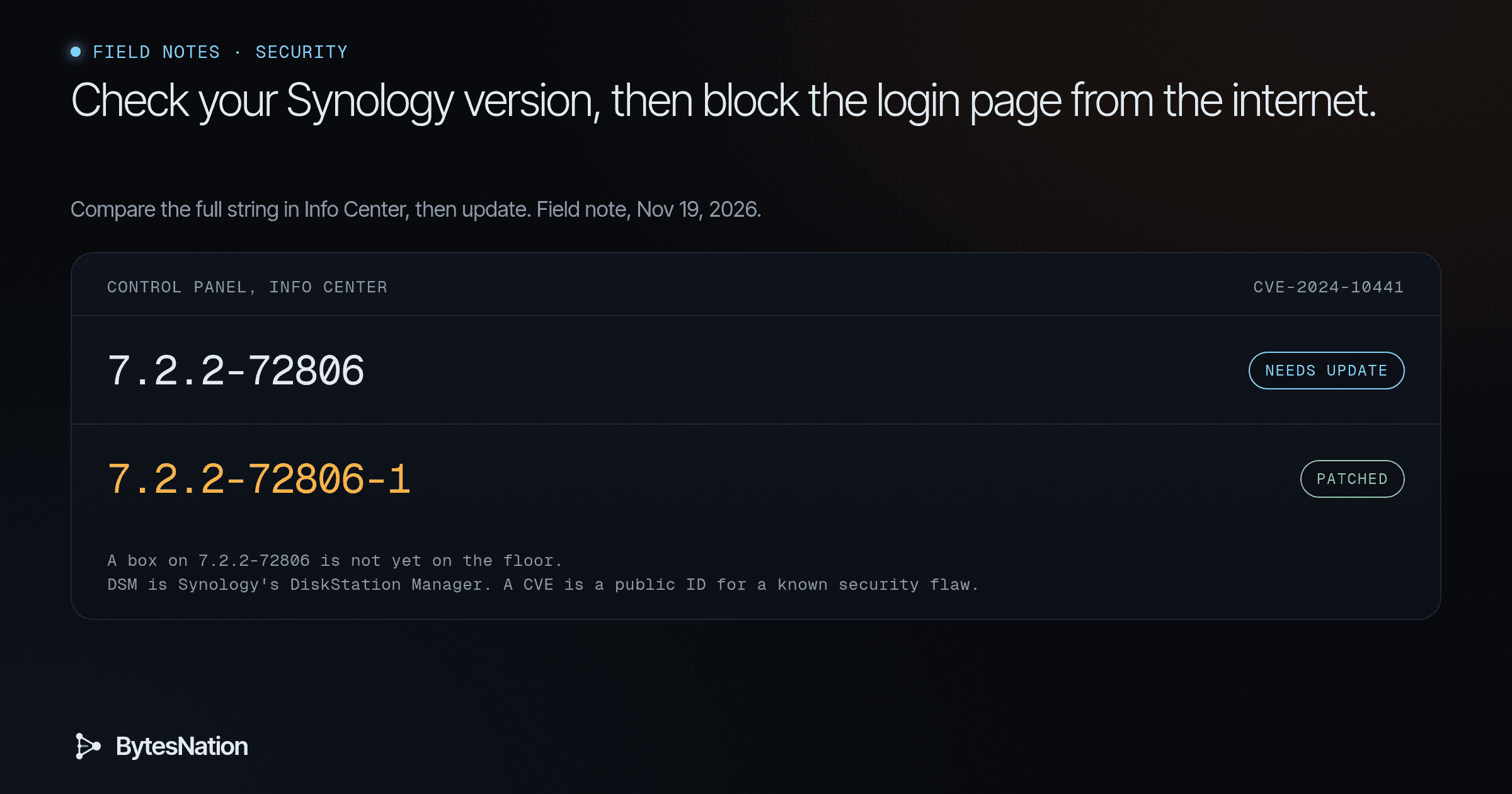
A field note on checking and updating your own Synology NAS. The version floors come from Synology’s advisory. We have no Synology hardware here, so this is a sourced walkthrough, not a lab test.
The short version
CISA added CVE-2024-10441 to its Known Exploited Vulnerabilities catalog on Nov 18, 2026. The bug lives in the DSM system plugin daemon and lets a remote attacker run code without logging in. Synology rated it Critical at CVSS 9.8 and shipped the fix in late 2024. NVD lists that vendor score and has not published its own.
Read the version, see whether the DSM login page is reachable from the internet, look for signs the box was already hit, then update. Synology lists no workaround, so the update is the fix. If you cannot update yet, take the login page off the internet first.
Your first step: on the NAS, open Control Panel, then Info Center, and copy the full DSM version string. Compare every part of it to the fixed build for your branch.
Check the version
Synology-SA-24:20 lists these floors. You need this build or a later one on the same branch:
- DSM 7.2.2: 7.2.2-72806-1
- DSM 7.2.1: 7.2.1-69057-6
- DSM 7.2: 7.2-64570-4
- DSM 7.1: 7.1.1-42962-7
- DSM 6.2: 6.2.4-25556-8, rated Moderate in the same advisory
- BeeStation OSThe core software that manages a computer's hardware and gives every other program a safe, shared way to use the CPU, memory, storage, and network. Read more →: 1.1-65374
Read the whole string. Do not stop at the 7.2.2 part. The number after the first hyphen is the build. The number after the second hyphen is the update. 7.2.2-72806 without the trailing -1 is still short of the floor.
If you are already on or above the floor, keep going. A current version does not tell you whether the login page is published to the internet.
See whether DSM is on the internet
This bug is reachable over the network and needs no password and no click from you. Look hardest at a DSM login page that can be opened from outside your house.
On your router, look for portA numbered endpoint on a device that identifies a specific application or service, allowing multiple network services to run on the same IP address. Read more → forwards that point at the NAS, especially the ports you use to open DSM. Check QuickConnect and DDNS if you turned them on so you could reach the login page from elsewhere. Check any exposed-host or DMZ rule aimed at the NAS.
If you find a path in, remove it, then confirm the login page does not load from a phone on cellular data. BleepingComputer’s report of Synology’s advice says the same thing: block internet access to the management web interface, then update.
A NAS that is only on your home LAN is a smaller target, but the bug still does not need a password. If the box is on a shared network, treat exposure as real until the update is in.
Look for signs the box was already hit
An update closes the hole. It does not remove an attacker who is already on the box, and it will not decrypt files that are already locked. CISA’s catalog entry also asks federal agencies to check for compromise as they patch, and the same order is useful here.
Before you apply the patch, walk your shares:
- Files whose names now end in .L0CK3D
- A text file named read-me3.txt sitting in those folders
- User accounts you did not create
- Scheduled tasks you did not create
The first two match what BleepingComputer and Kaspersky reported in the C3RB3R campaign Synology warned about in late October. If you see them, skip the ordinary update path and go to the recovery steps. Isolate the NAS first.
Apply the update
Open Control Panel, then Update & Restore, and install the update for your branch, at least to the floor above. When it finishes, go back to Info Center and confirm the full string meets that floor. Then turn on automatic updates. Synology recommended that in the same October warning.
The advisory’s mitigation line is “None.” If you cannot update today, the useful move is still to take the DSM login page off the internet and keep it off until you can.
Do not install a patch onto a box that is already encrypting files. Isolate it first, as the next section describes.
If files are already locked
Unplug the NAS from the network. Leave the power cable in place at first. A hard power cut during a write can make recovery worse, and Kaspersky’s writeup is clear about what not to do next. Do not plug your only backupA copy of data stored separately from the original, used to restore systems and files after data loss from hardware failure, deletion, ransomware, or disaster. Read more → into the infected NAS, and do not restore onto it while the ransomware is still there.
Pause any sync or backup jobs that pull from the NAS, so locked files do not overwrite a clean copy somewhere else. If a USB drive is attached to the NAS, unplug it too, in case the encryptor has not reached it yet.
Restore from a copy that was not connected to the box. That can be an offline disk, a SnapshotA saved, point-in-time state of a virtual machine or storage volume that you can roll back to if a change goes wrong. Read more → Replication snapshot you can use without writing back to the infected NAS, or a backup that lives somewhere else. Keep the ransom note and a sample of the locked files if you have space. Researchers sometimes release a decryptor later. Do not pay, and do not trust a stranger who offers a miracle unlock.
If encryptionThe process of converting readable data into an unreadable format using a mathematical algorithm and a key, so only authorized parties can access it. Read more → is still in progress and you are not set up for memory forensics, shut the NAS down through its normal shutdown if it still responds. That is the beginner path. Finer-grained recovery is in Go deeper.
Why this is back now
Synology disclosed the bug in Synology-SA-24:20, titled as a Pwn2Own 2024 issue. The advisory was first published on Nov 5, 2024. The DSM 6.2 fix landed on Dec 5, 2024, which is the “patched in December 2024” date Synology pointed to later.
On Oct 29, 2026, Synology warned customers that attackers were using a vulnerability patched in December 2024 to encrypt NAS devices and demand a ransom. It linked that warning to this advisory and did not name a CVEA standardized identifier for publicly known cybersecurity vulnerabilities, enabling organizations to track and prioritize security patches. Read more →. BleepingComputer identified the campaign as C3RB3R, with the .L0CK3D extension and the read-me3.txt note.
CISA’s Nov 18 addition of CVE-2024-10441 to the KEV catalog is the confirmation that this CVE is being exploited. The catalog lists ransomware campaign use as Unknown, so this note does not treat CISA as having named C3RB3R. The patch has been available since late 2024. Check today because CISA now has evidence the bug is being used.
Federal civilian agencies have a due date of Nov 21, 2026 under CISA’s directive. That deadline is not yours. Your job is the version check, the exposure check, and the update.
Go deeper: reading the version string, BeeStation, and recovery choices
DSM versions look like 7.2.2-72806-1. The first three numbers are the branch. 72806 is the build. 1 is the update on that build. Compare all three parts. A box on 7.2.2-72806 is not yet on 7.2.2-72806-1. If Info Center shows a shorter string, open Control Panel, then Update & Restore, and read the full version there as well.
The CVE text also names Synology BeeStation OS, called BSM in the advisory, before 1.1-65374. If you have a BeeStation, that is the floor, in the same advisory as the DSM table.
Synology’s mitigation line is “None.” There is no setting that closes this hole short of the update. Taking the DSM login page off the internet reduces who can reach it. It is not a patch.
Kaspersky describes a cautious update path for a box on a shared network. Take it off the network, download the update on a computer, then connect the NAS directly to that computer and apply the update there. I have not run that procedure. Follow Synology’s update screen if your box is already isolated and otherwise healthy.
If you use Snapshot Replication, check whether a snapshot from before the encryption still exists, and do not mount it so that the infected NAS can write to it. The rest of the lesson is older than this bug. Keep three copies, on two kinds of media, with one copy that is not attached to the NAS. A backup that only lives on the same box is not a backup for this event.
We did not test these steps on Synology hardware. CISA lists ransomware campaign use as Unknown. This note treats the October warning and the KEV addition as two sourced facts, not as one official statement that C3RB3R is the named campaign in the catalog.