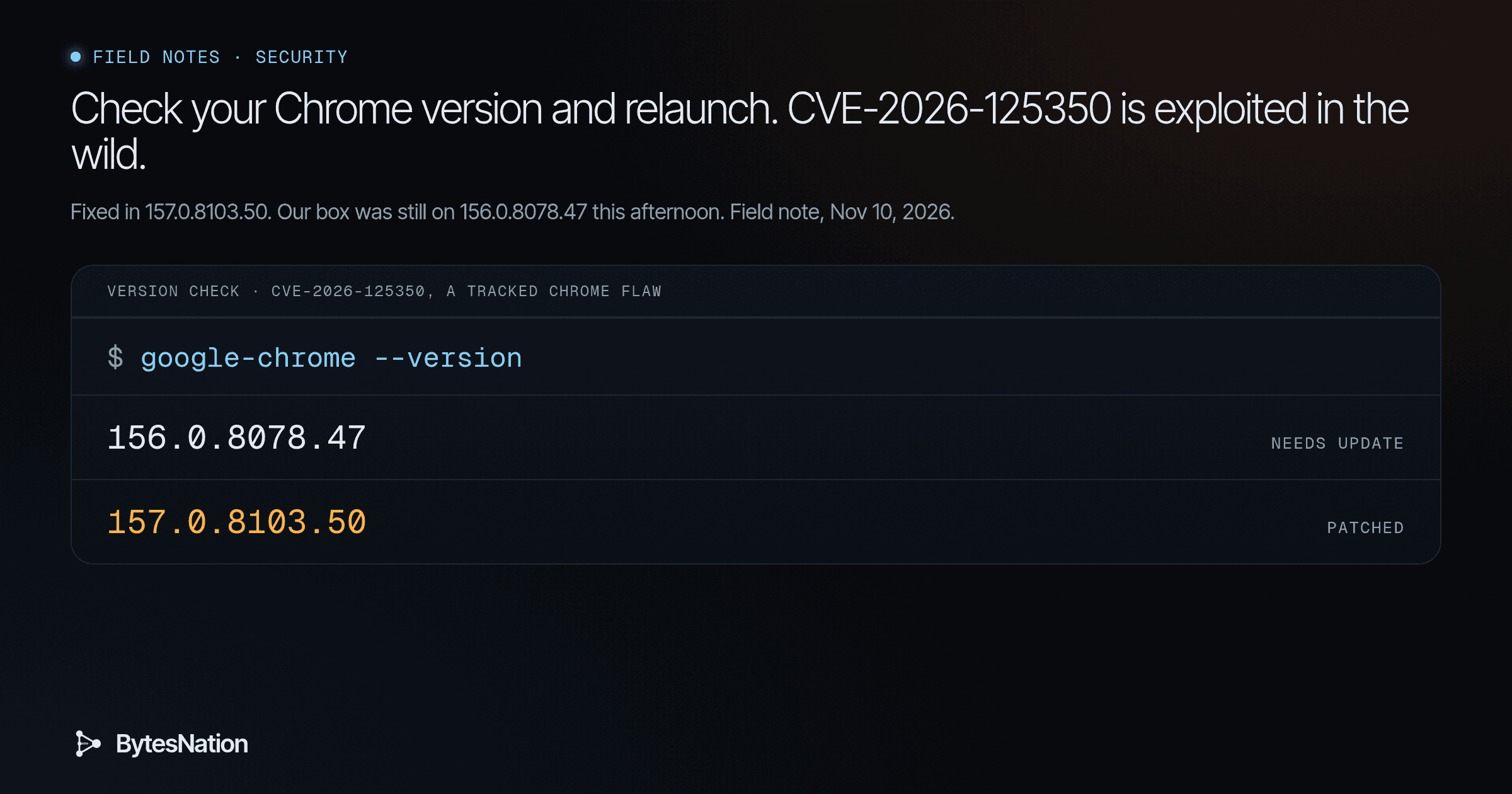
A short field note on a Chrome patch you should apply today. The version numbers and package output below came from commands we ran on our box at 4:02 PM ET (America/New_York) on Nov 10, 2026. The script ships with this note.
The short version
On Nov 9, 2026, Google updated Chrome Stable to 157.0.8103.50/.51 on Windows and Mac and 157.0.8103.50 on Linux. One of the nine security fixes is CVE-2026-125350, a High use-after-free in XML, reported anonymously on Nov 6. In the same Chrome Releases post, Google wrote:
Google is aware that an exploit for CVEA standardized identifier for publicly known cybersecurity vulnerabilities, enabling organizations to track and prioritize security patches. Read more →-2026-125350 exists in the wild.
CISA added the CVE to its Known Exploited Vulnerabilities catalog on Nov 10, with a federal due date of Nov 24. The catalog entry says a remote attacker could execute code inside the sandbox from a crafted webpage, and that other Chromium browsers, including Edge and Opera, can be affected.
Google rates it High. We are not printing a CVSS score. NVD has not published its own as of this check. Attack details are undisclosed. Google is holding back bug details until most users have the update, and we are not going to guess at the exploit.
A use-after-free is a memory bug: the program frees a block of memory, then uses the leftover pointer anyway. If an attacker can get that memory reused with data they control, they can corrupt nearby state and run their own code. XML parsing is reachable from ordinary web pages, so the bug sits on a path you hit just by opening a tab. “Inside the sandbox” is not the same as escaping the sandbox. It is still a foothold in the browser you are using, including the one you use to open homelab and admin UIs.
Your first step: open chrome://settings/help (or Help, then About Google Chrome), let it check, and click Relaunch. When it comes back, confirm the version is 157.0.8103.50 or later. Windows and Mac may show 157.0.8103.51. Then run the version-check command below if you manage more than one machine.
How to check your Chrome version
On a single computer, you do not need a script. Open chrome://version or chrome://settings/help and read the version string. Anything before 157.0.8103.50 is still open.
On Linux, ask the package manager as well. We ran this on our box this afternoon. It is still on 156.0.8078.47, and Google’s official repo already offers the fix:
$ google-chrome --version
Google Chrome 156.0.8078.47

$ apt-cache policy google-chrome-stable
google-chrome-stable:
  Installed: 156.0.8078.47-1
  Candidate: 157.0.8103.50-1
  Version table:
     157.0.8103.50-1 500
        500 https://dl.google.com/linux/chrome-stable/deb stable/main amd64 Packages
 *** 156.0.8078.47-1 100
        100 /var/lib/dpkg/status
The script in src/check_chrome_version.py compares a version string to that floor. Against the browser on this box:
$ python3 check_chrome_version.py
fixed floor: 157.0.8103.50  (CVE-2026-125350)
/usr/bin/google-chrome: Google Chrome 156.0.8078.47
  parsed: 156.0.8078.47
  result: NEEDS UPDATE
We queried the repo. We did not install the upgrade on this box.
For a small fleet, collect each machine’s Chrome version and pass the strings to the same script. 157.0.8103.39, which some Chromium builds still report, is below the floor. 157.0.8103.50 and 157.0.8103.51 are patched:
$ python3 check_chrome_version.py 156.0.8078.47 157.0.8103.39 157.0.8103.50 157.0.8103.51
fixed floor: 157.0.8103.50  (CVE-2026-125350)
156.0.8078.47
  parsed: 156.0.8078.47
  result: NEEDS UPDATE
157.0.8103.39
  parsed: 157.0.8103.39
  result: NEEDS UPDATE
157.0.8103.50
  parsed: 157.0.8103.50
  result: PATCHED
157.0.8103.51
  parsed: 157.0.8103.51
  result: PATCHED
How to force the update and relaunch
Google says the Stable update “will roll out over the coming days/weeks,” so do not wait for it to appear on its own.
- Open
chrome://settings/help. - Let Chrome download the update.
- Click Relaunch.
- Open
chrome://versionand confirm you are on 157.0.8103.50 or later (Windows and Mac may show .51).
The fix applies only after every Chrome process exits. Closing one window is not enough if other windows, background apps, or a lingering process are still running. Quit Chrome completely, then open it again and recheck the version.
On Linux, once the candidate is visible as it was on our box:
sudo apt-get update
sudo apt-get install google-chrome-stable
Then quit Chrome and open it again. apt-cache policy google-chrome-stable should show the installed version matching the candidate, 157.0.8103.50-1 in this repo.
If you manage a fleet, inventory the running version on each endpoint, push 157.0.8103.50 or later, and do not count a machine done until the browser has relaunched. Google’s RelaunchNotification policy can require that relaunch. Set it to required, and set RelaunchNotificationPeriod to a window shorter than the default seven days. A downloaded update that nobody relaunched is still the old browser.
Other Chromium browsers need their own vendor builds. Do not assume Chrome’s number applies.
- Microsoft Edge. On Nov 9, Microsoft wrote: “Microsoft is aware of the recent exploits existing in the wild. We are actively working on releasing a security fix.” As of this Nov 10 check, Edge’s security release notes do not name a fixed Edge version for CVE-2026-125350. The latest Stable note before that, 157.0.4341.42 on Nov 5, does not mention this CVE. Wait for Microsoft’s update, then verify it under About Microsoft Edge.
- Opera. Opera 140 Stable, posted Nov 10, lists “Fixed a security vulnerability (CVE-2026-125350)” and “Updated Chromium to 157.0.8103.39.” That Chromium number is below Chrome’s fixed floor, but Opera says this release includes the fix, which usually means a backport. Confirm you are on Opera 140 and that the vendor notes still list the CVE.
- Vivaldi. Minor update (2) for Desktop 8.3, posted Nov 10, updates Chromium to 156.0.8078.99 ESR and says that build includes the CVE-2026-125350 fix from 157.0.8103.50/51.
- Brave. We did not confirm an official Brave release that names this CVE. Wait for Brave’s own notes and verify the build they publish.
Why “exploited in the wild” plus a KEV listing raises the priority
Most High bugs start as theory: the flaw is real, a patch is out, and nobody has shown a working exploit. You still patch them, but you can often fold them into the ordinary cycle.
Google’s sentence changes that. “An exploit for CVE-2026-125350 exists in the wild” means someone already has a working attack. The risk is no longer theoretical. Your exposure window is the time between that fact and the moment you are actually running the patched, relaunched browser.
CISA’s KEV catalog is the second signal. CISA adds a CVE only when it has evidence of active exploitation. It added this one on Nov 10 and set a Nov 24 due date for federal civilian agencies. That due date is a floor for those agencies, not a reason for everyone else to wait until the 24th. If you are not in that group, treat the listing as confirmation that the exploit is real, then patch now.
That is the triage rule. A High rating tells you the bug can hurt. “Exploited in the wild” plus a KEV listing tells you it is already being used, the vendor has a fix, and delay is the remaining exposure. Check your version, relaunch onto 157.0.8103.50 or later, and confirm the new number stuck.
No BNLC lesson covers browser patching yet. The first step above is the lab.
Sources
- Google Chrome Releases, Nov 9, 2026: Stable Channel Update for Desktop
- CISA: Known Exploited Vulnerabilities Catalog, entry for CVE-2026-125350 (added Nov 10, 2026, due Nov 24, 2026)
- CISA alert, Nov 10, 2026: CISA Adds Six Known Exploited Vulnerabilities to Catalog
- NVD: CVE-2026-125350
- Chrome Enterprise: Notify users to restart to apply pending updates
- Microsoft: Release notes for Microsoft Edge Security Updates
- Opera, Nov 10, 2026: Opera 140 Stable
- Vivaldi, Nov 10, 2026: Minor update (2) for Desktop 8.3
Scripts
src/check_chrome_version.py
#!/usr/bin/env python3
"""Compare Chrome or Chromium version strings to the CVE-2026-125350 fixed floor.

Fixed floor, from Google Chrome Releases on Nov 9, 2026:
  157.0.8103.50 on Linux
  157.0.8103.50 or 157.0.8103.51 on Windows and Mac

A build is patched when its four-part version is greater than or equal to
157.0.8103.50. The script does not install or relaunch anything.

Usage:
  python3 check_chrome_version.py
      Run a local browser --version command and compare it.

  python3 check_chrome_version.py 156.0.8078.47 157.0.8103.50 157.0.8103.51
      Compare one or more version strings. Useful as a fleet check once you
      have collected versions from each machine.

  python3 check_chrome_version.py --min 157.0.8103.50
      Override the floor. Default is 157.0.8103.50.
"""

from __future__ import annotations

import argparse
import re
import shutil
import subprocess
import sys

DEFAULT_FLOOR = (157, 0, 8103, 50)
BROWSER_BINS = (
    "google-chrome",
    "google-chrome-stable",
    "chromium",
    "chromium-browser",
)

VERSION_RE = re.compile(r"(\d+\.\d+\.\d+\.\d+)")


def parse_version(text: str) -> tuple[int, int, int, int] | None:
    match = VERSION_RE.search(text)
    if not match:
        return None
    parts = tuple(int(p) for p in match.group(1).split("."))
    if len(parts) != 4:
        return None
    return parts  # type: ignore[return-value]


def format_version(parts: tuple[int, int, int, int]) -> str:
    return ".".join(str(p) for p in parts)


def detect_local() -> tuple[str, str] | None:
    for name in BROWSER_BINS:
        path = shutil.which(name)
        if not path:
            continue
        try:
            proc = subprocess.run(
                [path, "--version"],
                check=True,
                capture_output=True,
                text=True,
            )
        except (OSError, subprocess.CalledProcessError):
            continue
        line = proc.stdout.strip() or proc.stderr.strip()
        if line:
            return path, line
    return None


def classify(version: tuple[int, int, int, int], floor: tuple[int, int, int, int]) -> str:
    if version >= floor:
        return "PATCHED"
    return "NEEDS UPDATE"


def main(argv: list[str]) -> int:
    parser = argparse.ArgumentParser(description=__doc__)
    parser.add_argument(
        "versions",
        nargs="*",
        help="Version strings to compare. If omitted, query a local browser.",
    )
    parser.add_argument(
        "--min",
        default=format_version(DEFAULT_FLOOR),
        help="Fixed-floor version (default: 157.0.8103.50)",
    )
    args = parser.parse_args(argv)

    floor = parse_version(args.min)
    if floor is None:
        print(f"error: could not parse floor version from {args.min!r}", file=sys.stderr)
        return 2

    rows: list[tuple[str, str]] = []
    if args.versions:
        for raw in args.versions:
            rows.append((raw, raw))
    else:
        detected = detect_local()
        if not detected:
            print("error: no local Chrome or Chromium binary found", file=sys.stderr)
            return 2
        path, line = detected
        rows.append((f"{path}: {line}", line))

    print(f"fixed floor: {format_version(floor)}  (CVE-2026-125350)")
    exit_code = 0
    for label, raw in rows:
        parsed = parse_version(raw)
        if parsed is None:
            print(f"{label}\n  result: UNPARSED")
            exit_code = max(exit_code, 2)
            continue
        status = classify(parsed, floor)
        print(f"{label}")
        print(f"  parsed: {format_version(parsed)}")
        print(f"  result: {status}")
        if status != "PATCHED":
            exit_code = max(exit_code, 1)
    return exit_code


if __name__ == "__main__":
    sys.exit(main(sys.argv[1:]))
src/check_chrome_version.out
Captured: 2026-11-10 04:02 PM EST

$ google-chrome --version
Google Chrome 156.0.8078.47

$ dpkg-query -W -f='${Package} ${Version}\n' google-chrome-stable
google-chrome-stable 156.0.8078.47-1

$ apt-cache policy google-chrome-stable
google-chrome-stable:
  Installed: 156.0.8078.47-1
  Candidate: 157.0.8103.50-1
  Version table:
     157.0.8103.50-1 500
        500 https://dl.google.com/linux/chrome-stable/deb stable/main amd64 Packages
 *** 156.0.8078.47-1 100
        100 /var/lib/dpkg/status

$ python3 check_chrome_version.py
fixed floor: 157.0.8103.50  (CVE-2026-125350)
/usr/bin/google-chrome: Google Chrome 156.0.8078.47
  parsed: 156.0.8078.47
  result: NEEDS UPDATE
exit: 1

$ python3 check_chrome_version.py 156.0.8078.47 157.0.8103.39 157.0.8103.50 157.0.8103.51
fixed floor: 157.0.8103.50  (CVE-2026-125350)
156.0.8078.47
  parsed: 156.0.8078.47
  result: NEEDS UPDATE
157.0.8103.39
  parsed: 157.0.8103.39
  result: NEEDS UPDATE
157.0.8103.50
  parsed: 157.0.8103.50
  result: PATCHED
157.0.8103.51
  parsed: 157.0.8103.51
  result: PATCHED
exit: 1